Our registered ergonomists are ready to help. Call us at (613) 730-1074 or book a consultation today.
5 Questions to Ask Before Returning to the Office: Ergonomic Assessment for Office Workers
Jun 28
Introduction
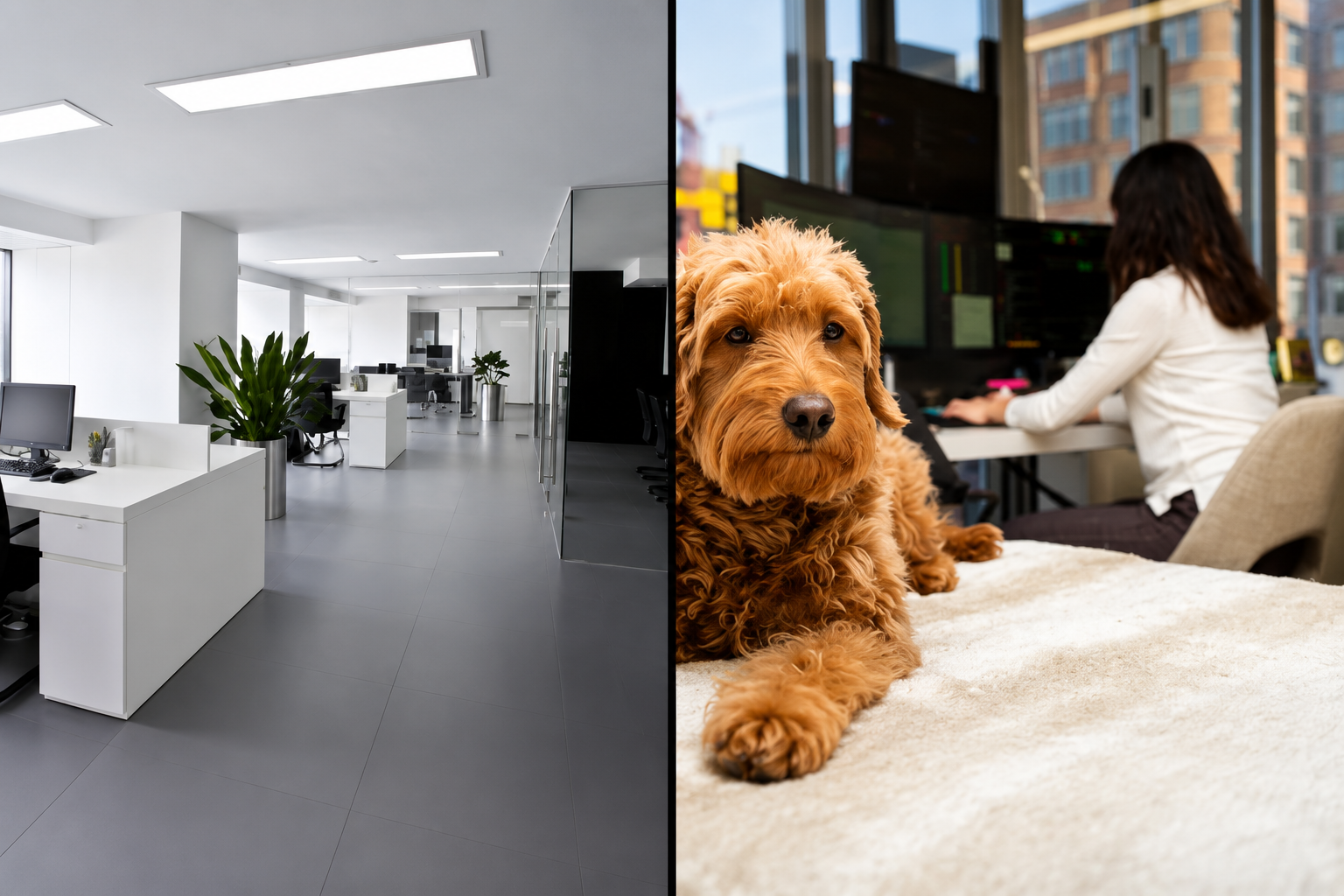
With the ease of restrictions, many questions arise about what your company will do with regard to returning to the office. As many employees have been teleworking through the pandemic, a shift to going back into the office or a hybrid (home/office) combination is likely being considered.
What Are the Benefits and Challenges of Tele-Working?
Tele-working offers real benefits, including increased productivity, better work-life balance, and reduced commute emissions, but it doesn’t work equally well for everyone. Some employees lack a dedicated workspace at home, making a return to the office or a hybrid model a more practical option.
According to Statistics Canada, there are many benefits to teleworking, including increased productivity, potential for better work-life balance, more flexibility, and a potential for reduction in greenhouse gas emissions due to commuting. However, not all employees like tele-working, and for some, the lack of a dedicated workspace, or other distractions when working from home (think kids, pets, the pile of dishes sitting in the kitchen) make it a less than ideal option as a move forward.
Yet some employers are looking at teleworking or a hybrid model as a permanent move forward plan. As they begin to plan for this transition, it is important to account for how employees’ workspaces and shared workstations will be set up. We have seen a large majority of companies providing equipment for employees in their home offices to allow for a comfortable working environment when exclusively working from home. But as there is a shift towards a hybrid model, there are many questions that arise.
What Questions Should Employers Ask Before the Return to Office?
Before transitioning to a hybrid or full return-to-office model, employers must address five key questions around equipment, workstation setup, and ergonomic accommodations to ensure every employee can work safely and comfortably, whether at home or in the office.
Do employees keep the equipment provided for their home offices, even if returning to the office part-time?
Where will employees’ primary workstation be?
Will ergonomic accommodations for employees be available at home and in the office?
Will shared workspaces be available, or will employees have personal desks in the office?
If using shared workspaces, what will the ergonomic considerations be?
Why Does Ergonomic Assessment for Office Workers Matter in a Hybrid Model?
When employees alternate between home and office workstations, a proper ergonomic assessment for office workers makes sure that shared or rotating spaces are adjustable enough to meet each individual’s needs, not just the average employee.
It is important for employers to consider how they will accommodate employees’ work set-ups and how ergonomics fits into this. If using shared workstations in the office, it is critical to consider how adjustable these spaces are in order to allow each employee to work based on their needs. While for some, the simple accommodation of being provided a desk or a chair will suffice, this is not the case for everyone. We must consider the needs of all employees when considering this transition.
How Can IPP Help With Your Return-to-Office Transition?
IPP offers workspace reinvention services, adjustable and cleanable shared space solutions, and affordable hybrid work setups backed by individual assessments and ergonomics webinars to keep your team comfortable and informed.
If you are transitioning to a Hybrid work model, IPP is ready to assist with reinventing your workspace and helping you answer the questions above. We are ready to provide you with fully adjustable and cleanable shared spaces ideas, and affordable solutions for working from home part-time, or back in the office.
General or individual assessments for employees can really improve their comfort, and webinars can be effective in providing employees with practical and useful information to ensure they are properly set up. Contact us today to see what services we can provide your organization to assist with this transition!
Frequently Asked Questions
What is an ergonomic assessment for office workers?
An ergonomic assessment for office workers is a professional evaluation of an employee’s workstation, posture, and work habits to identify physical risk factors and recommend adjustments that improve comfort, safety, and productivity.
Do employees need a separate ergonomic assessment for their home office and their office workstation?
Yes, ideally, both setups should be assessed independently. Home offices and shared office workstations have different variables, and what works in one environment may not translate directly to the other.
What should employers consider when setting up shared workstations for hybrid workers?
Shared workstations should be highly adjustable to accommodate different body types and working styles. Employers should evaluate seat height, monitor positioning, keyboard and mouse placement, and lighting for each potential user.
Are ergonomic webinars an effective alternative to individual assessments?
Webinars are a great complement to individual assessments; they provide practical, generalised guidance to a large group of employees at once. However, for employees with specific discomfort or accommodation needs, a one-on-one ergonomic assessment is recommended.
When is the right time to conduct ergonomic assessments during a return-to-office transition?
Ideally, assessments should be conducted before or during the transition, not after problems arise. Proactively setting up workstations correctly reduces the risk of musculoskeletal injuries and helps employees settle into their new routines comfortably.