Our registered ergonomists are ready to help. Call us at (613) 730-1074 or book a consultation today.
Aug 26
Office Ergonomics: Top 5 Office Setup Mistakes to Fix
Introduction
In today’s corporate landscape, office ergonomics is more than a comfort feature it’s a strategic imperative. Poor office setups contribute to musculoskeletal disorders, reduced productivity, and increased absenteeism. For organizations focused on employee well-being and operational efficiency, addressing ergonomic issues is essential.
Below are the top five office ergonomics mistakes commonly found in office environments and how to fix them.
1. Improper Chair Configuration
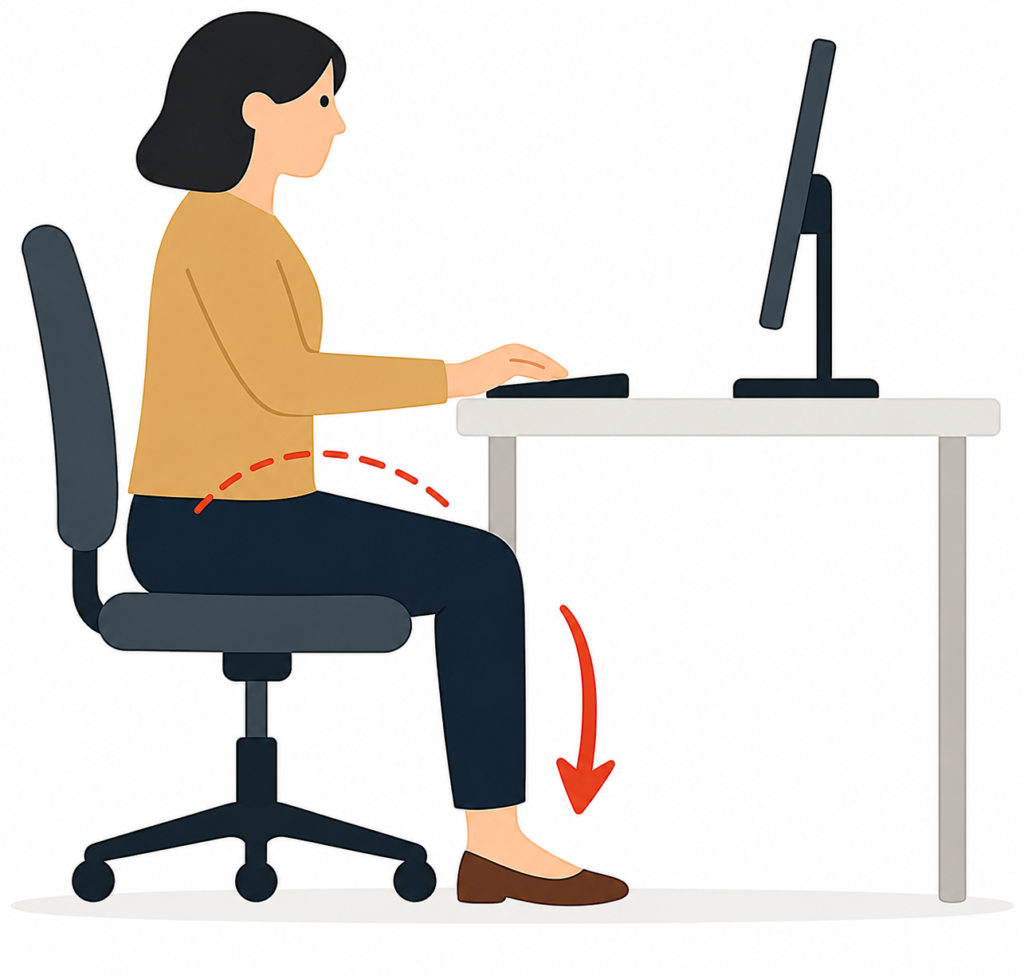
Proper seating is one of the foundations of good office ergonomics. An office worker seated in a chair with poor posture due to incorrect height and lack of lumbar support. Highlights the importance of adjustable seating for spinal alignment.
- The Mistake: Chairs that are too high, too low, or lack lumbar support can lead to lower back pain and poor posture.
- The Fix: Provide adjustable ergonomic chairs that support the spine’s natural curve. Employees should be able to adjust seat height so their feet rest flat on the floor, knees are at a 90-degree angle, and hips are slightly above knee level. Footrests can help shorter individuals maintain proper posture.
2. Incorrect Monitor Placement
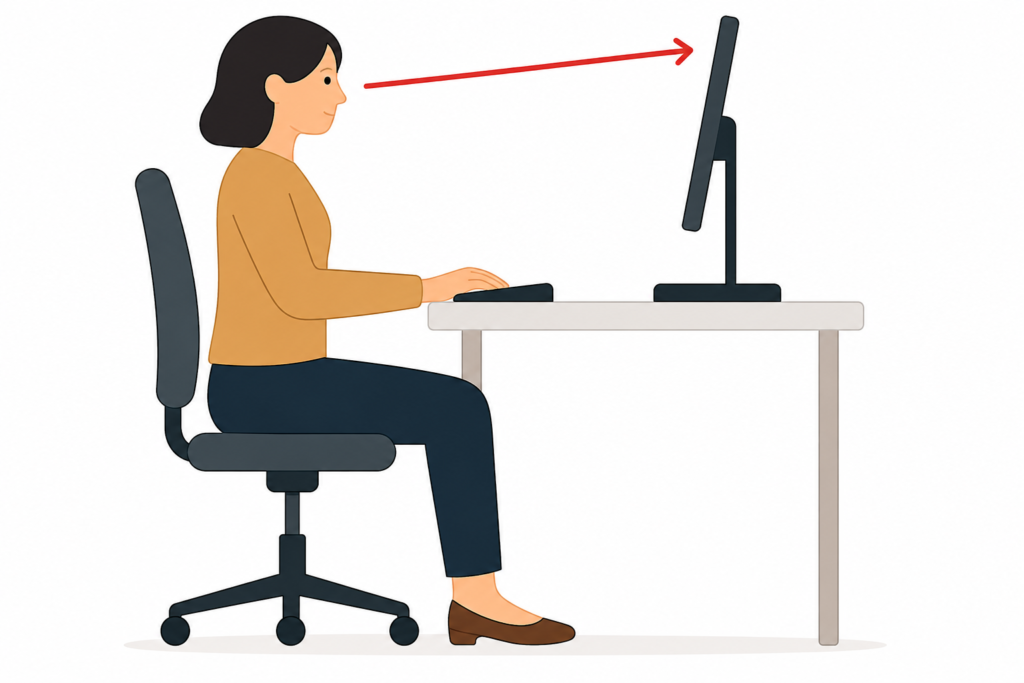
A desk setup showing a monitor placed too low and off-center, causing neck strain. Demonstrates the need for proper screen height and alignment.
The Mistake: Monitors placed too low, too high, or off-center force employees to crane their necks or twist their bodies, contributing to neck and shoulder strain.
The Fix: Position monitors so the top of the screen is at or just below eye level, about an arm’s length away. For dual-monitor setups, align both screens and angle them inward to reduce head movement. Monitor positioning is a key component of effective office ergonomics.
3. Suboptimal Keyboard and Mouse Positioning
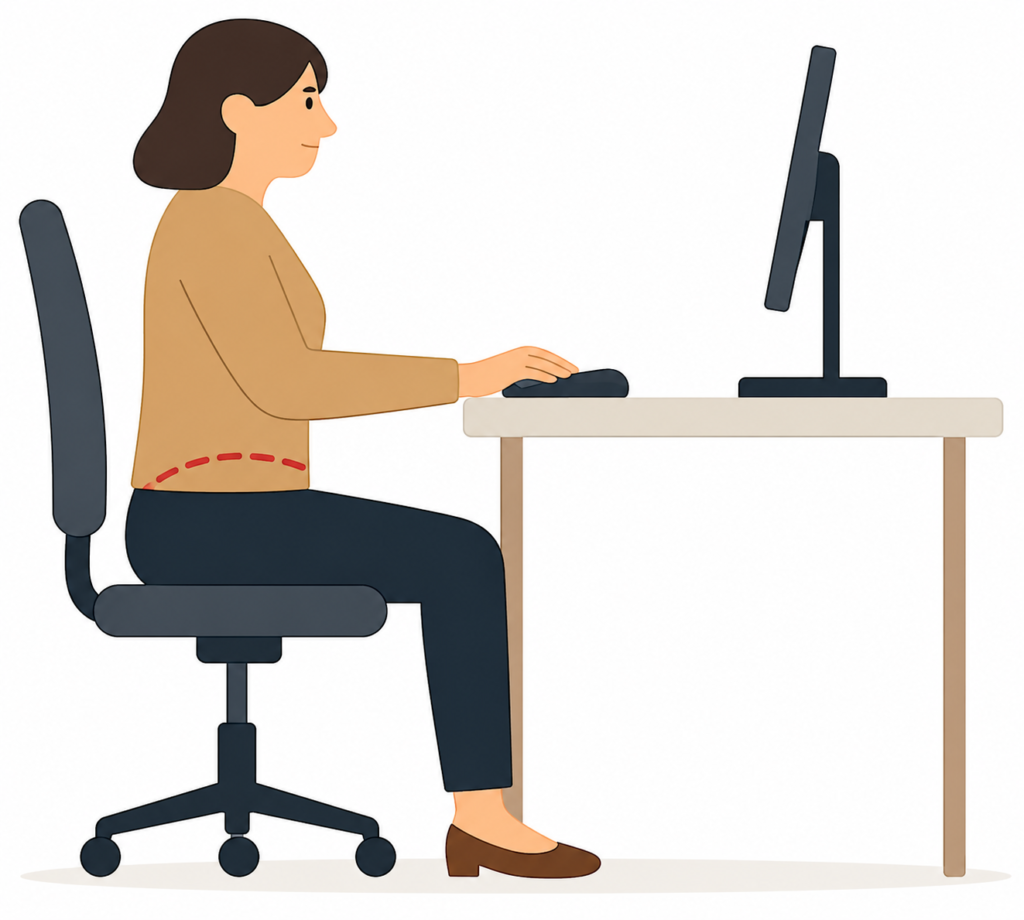
A workstation with a keyboard and mouse positioned too far from the user, leading to wrist and shoulder discomfort. Emphasizes the importance of close, neutral positioning.
The Mistake: Keyboards and mice placed too far from the body or at awkward angles can cause wrist strain and shoulder fatigue.
The Fix: Proper input device positioning is another essential element of office ergonomics. Ensure keyboards and mice are positioned close to the user, allowing elbows to remain near the torso at a 90-degree angle. Wrist rests and ergonomic peripherals can further support neutral wrist posture.
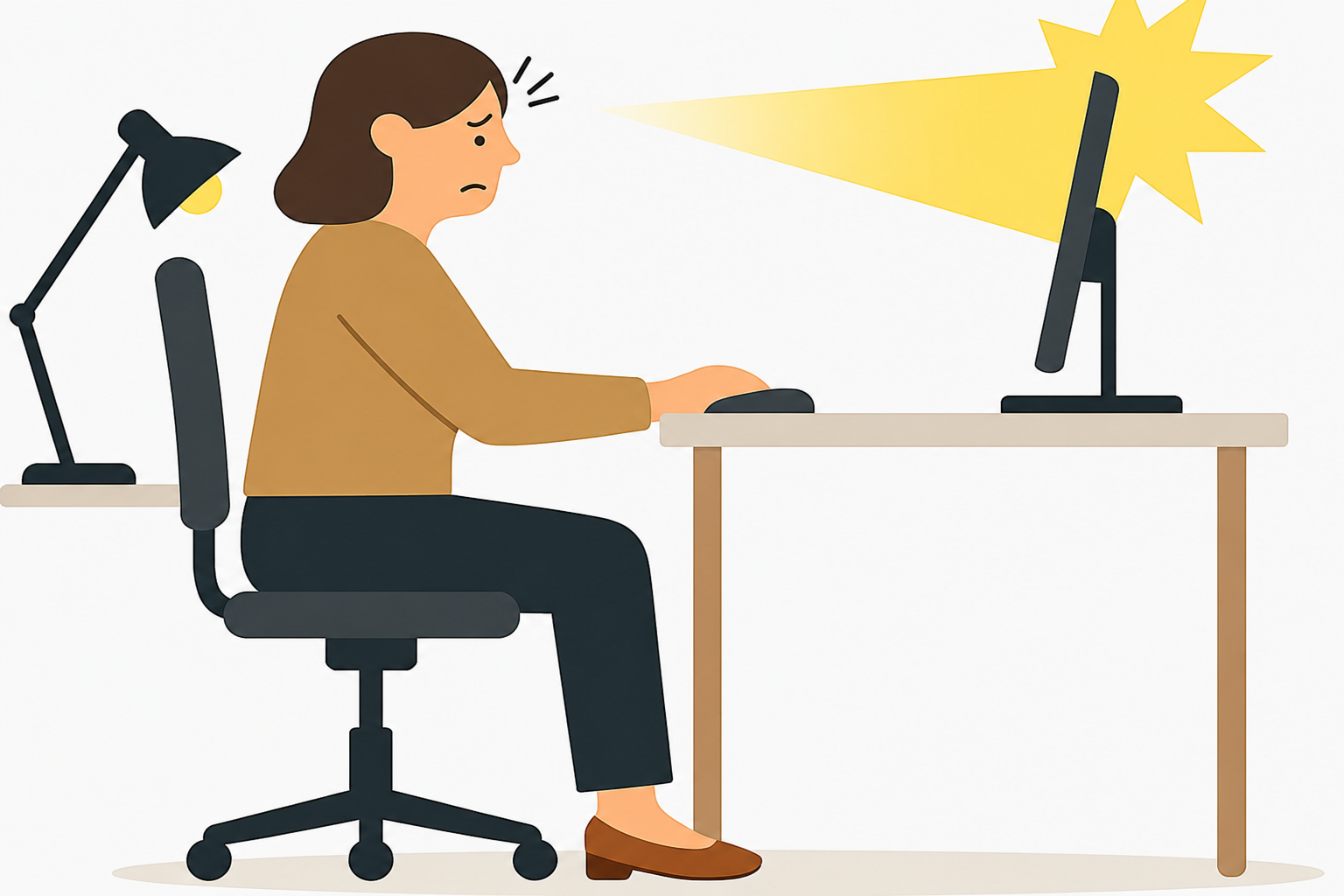
4. Inadequate Lighting and Excessive Screen Glare
A workspace affected by harsh lighting and glare on the monitor, contributing to eye strain. Illustrates the need for balanced lighting and screen positioning.
The Mistake: Poor lighting and glare from windows or overhead lights can lead to eye strain, headaches, and reduced focus.
The Fix: Use indirect lighting and adjustable task lamps. Position monitors perpendicular to windows to minimize glare. Equip screens with anti-glare filters and encourage use of blue light reduction settings.
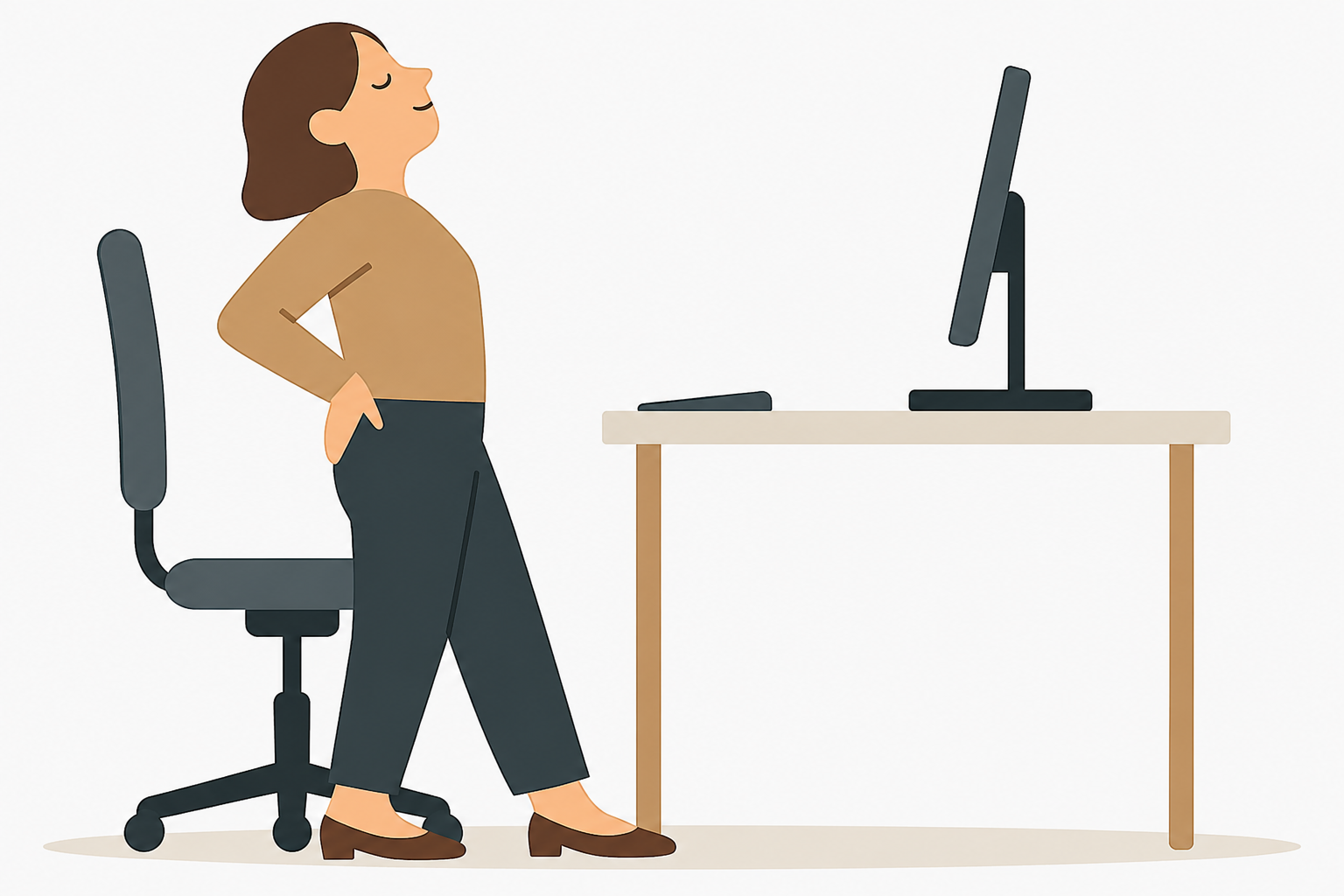
5. Lack of Movement and Breaks
Movement is a critical but often overlooked part of office ergonomics. An office environment where prolonged sitting leads to fatigue and poor circulation. Encourages regular movement and posture variation throughout the workday.
The Mistake: Employees often remain seated for extended periods, increasing the risk of fatigue, poor circulation, and long-term health issues.
The Fix: Promote movement through scheduled microbreaks, walking meetings, and stretch routines. Sit-stand desks can encourage posture variation throughout the day.
Why Ergonomics Matters for Your Organization
Investing in ergonomic improvements yields measurable benefits for both employees and employers:
Increased Productivity: Research published in the Journal of Environmental and Public Health found that ergonomic interventions—including proper workstation design and posture education—led to significant improvements in productivity and reduced physical discomfort among office workers. Even small adjustments had a meaningful impact on performance and efficiency.
Reduced Workplace Injuries: Office Ergonomics programs help prevent musculoskeletal disorders (MSDs), which are among the most common causes of workplace injury. By addressing risk factors such as poor posture and repetitive strain, organizations can reduce injury rates and associated costs.
Lower Absenteeism: The same study noted that ergonomic improvements contributed to reduced absenteeism, as employees experienced fewer physical complaints and were more likely to remain engaged throughout the workday.
Improved Retention and Engagement: A 2023 study published in Healthcare found that ergonomic interventions not only improved physical health but also enhanced job satisfaction and organizational commitment. Employees who felt physically supported were more likely to stay with their employer and report higher levels of engagement.
These findings reinforce the value of ergonomics as a strategic investment. By creating healthier work environments, companies can improve employee well-being, reduce costs, and foster a more productive and loyal workforce.
Next Steps:
Consider conducting a company-wide office ergonomics audit or offering personalized workstation assessments. Partnering with ergonomists at Injury Prevention Plus can help identify risks and implement scalable solutions.
Sources:
Shariat, A., Cleland, J.A., Danaee, M., et al. (2021). Office Ergonomics Awareness and Its Impact on Work Productivity and Health. Journal of Environmental and Public Health. https://pmc.ncbi.nlm.nih.gov/articles/PMC8010160/
Shariat, A., Cleland, J.A., Danaee, M., et al. (2023). The Effect of Ergonomic Intervention on Job Satisfaction and Organizational Commitment. Healthcare. https://pmc.ncbi.nlm.nih.gov/articles/PMC10298158/
Frequently Asked Questions
What is office ergonomics?
Office ergonomics focuses on designing workstations and work habits to reduce strain, prevent injuries, and improve employee comfort and productivity.
What are the most common office ergonomics mistakes?
Common mistakes include poor chair adjustment, incorrect monitor height, improper keyboard placement, bad lighting, and not taking enough movement breaks.
How can office ergonomics reduce workplace injuries?
Proper office ergonomics helps prevent musculoskeletal disorders by improving posture, reducing repetitive strain, and encouraging healthy work habits.
How often should employees take breaks from sitting?
Experts recommend short movement breaks every 30–60 minutes to improve circulation, reduce fatigue, and maintain posture.
Do ergonomic improvements really improve productivity?
Yes. Studies show that ergonomic improvements can reduce discomfort, improve focus, and increase overall workplace productivity.
When should a company consider an office ergonomic assessment?
Companies should consider an assessment when employees report discomfort, after workplace changes, or as part of proactive injury prevention programs.
What are simple ways to improve office ergonomics?
Simple improvements include:
Adjusting chair height
Keeping monitors at eye level
Using proper lighting
Positioning keyboard and mouse correctly